For students
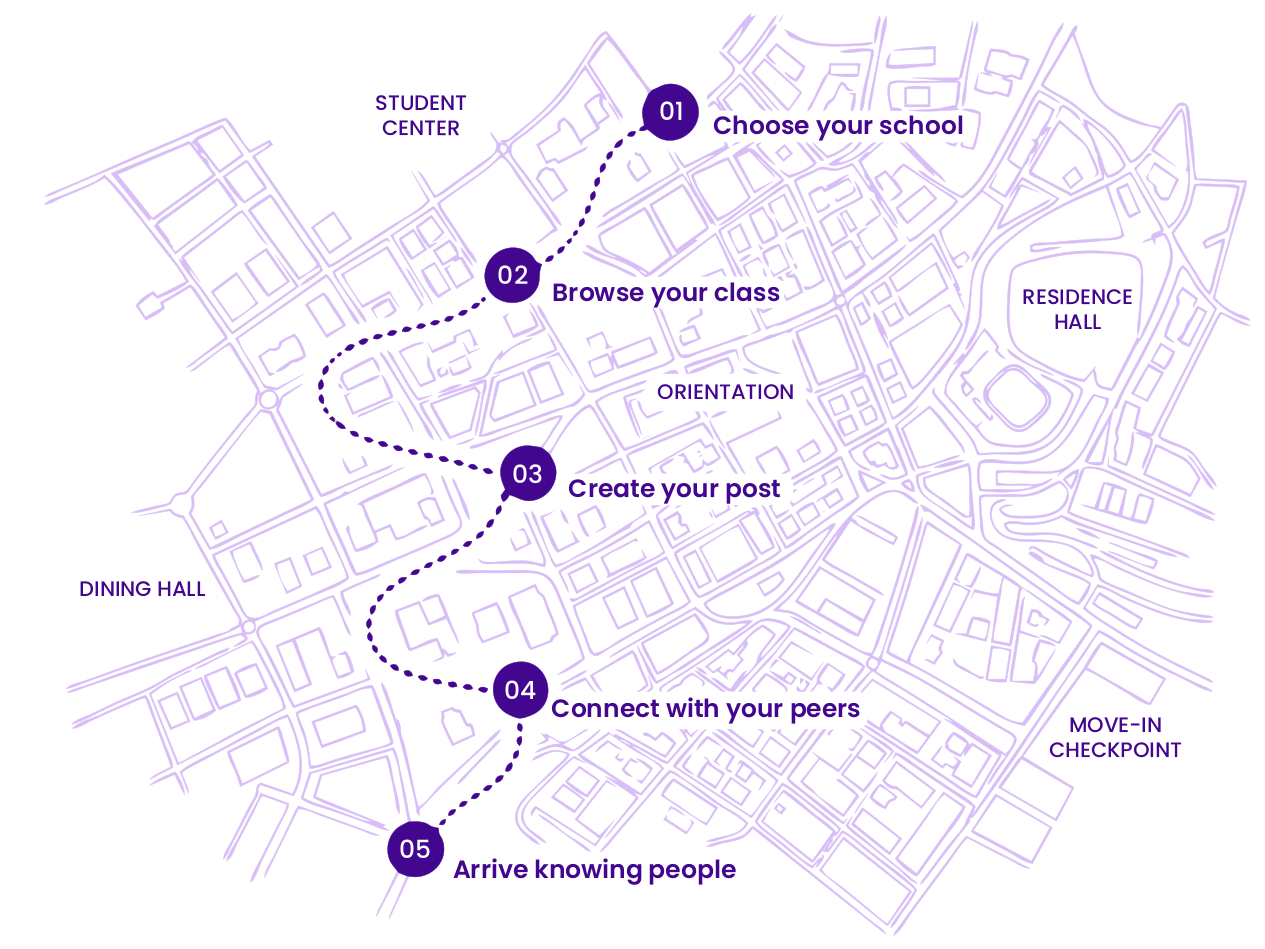
- Find your school
- Browse introductions
- Submit your post
- Track its status
- Request changes
Trusted by thousands of students
For students
For parents
Add the details someone would actually want to know before reaching out.
Photos
Show what your life looks like.
Introduction
Share your hometown, major, interests, and what you’re looking for.
I'm from Richmond, VA studying Marketing. I love music, hiking, and finding new coffee shops on weekends. Looking for a roommate who's easygoing, keeps things tidy, and is down to explore campus and grab food together.
Give people an easy way to start the conversation.
@samantha.r
What gets posted
 roommeet
I'm from Richmond, VA studying Marketing. I love music, hiking, and finding new coffee shops on weekends. Looking for a roommate who's easygoing, keeps things tidy, and is down to explore campus and grab food together.
RoomMeet University · Class of 2030Submit once. We review it, approve it for your school page, and give you a tracking link the whole way.
Most students follow their school page in the spring, then talk over the summer before move-in.
RoomMeet doesn't replace roommates or housing. It just makes the first hello easier.
Quick and easy. How it should be.
We’re here when something needs to be corrected, removed, or reviewed.
Already submitted? Track your post


